
Let's take it from the top
Creating your first project is really simple. Start by logging into your Ohutu account by going here.
If you don't have an account yet, that's no problem. You can grab your free trial by going here.
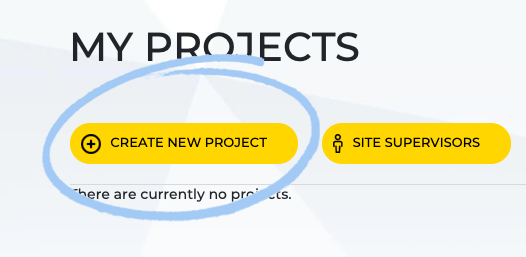
Start by hitting this button
You'll be shown the first page of your Project questionnaire. If this is your first ever Project, the initial step will be to fill in some details about your company.
